" height="39.898124666057534px" id="lRNFTlRbZ" transform="translate(0 0.05)" width="40px"/></svg>)
Connect Selz to 6,000+ apps and automate workflows triggered by monitor incidents and recoveries — no code required.
Overview.
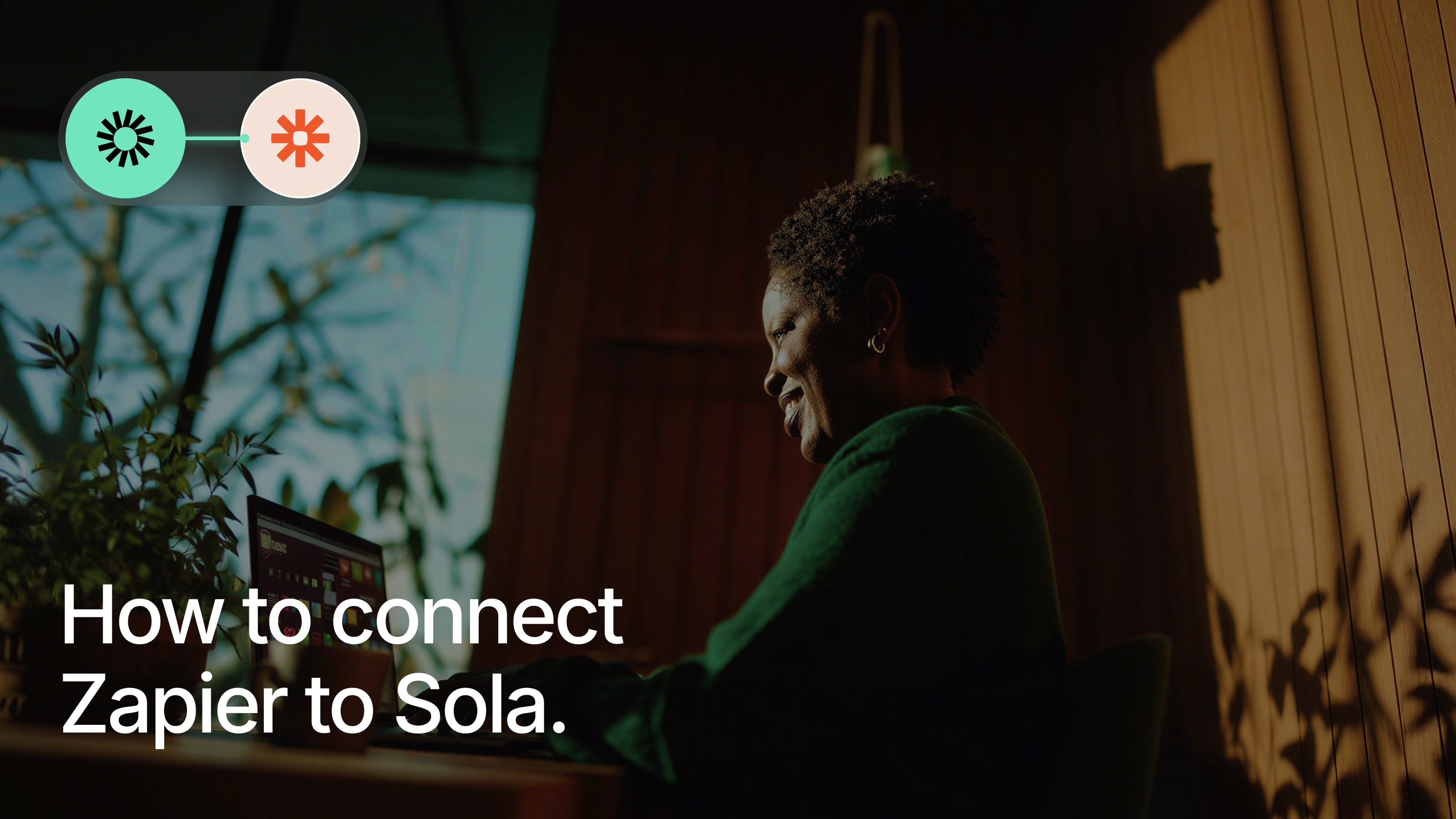
The Selz + Zapier integration unlocks a world of automation. Use Selz incident events as triggers to create tickets in any project management tool, update internal dashboards, send custom notifications, log incidents to spreadsheets, and much more — all without writing a single line of code.
How it works.
Selz acts as a Zapier trigger app. When a monitor changes state (goes down or recovers), Selz fires a webhook to Zapier with incident data. Your Zap then executes the actions you've configured in any of Zapier's 6,000+ connected apps.
How to configure.
In Zapier, create a new Zap and search for Selz as the trigger app.
Select the trigger event: Monitor Down or Monitor Recovered.
Connect your Selz account using your API key from Selz → Settings → API.
Choose the action app and configure what should happen when the trigger fires.
Test your Zap and turn it on.
" height="30.96389610392312px" id="AT8Z82ySX" transform="translate(0 4.52)" width="40px"/></svg>)
" height="39.183837315749514px" id="AGqdM4wio" transform="translate(0 0.41)" width="39.84784420160824px"/></svg>)
"/><stop offset="1" stop-color="rgb(38, 132, 255)"/></linearGradient><linearGradient id="ja5avLU5Y-3279194772-linear-gradient" x1="1" x2="0" y1="0.006886926261722215" y2="0.9931130737382778"><stop offset="0" stop-color="rgb(0, 82, 204)"/><stop offset="1" stop-color="rgb(38, 132, 255)"/></linearGradient></defs><g d="M 38.327 0 L 19.07 0 C 19.07 4.801 22.962 8.693 27.763 8.693 L 31.31 8.693 L 31.31 12.118 C 31.313 16.914 35.201 20.802 39.997 20.805 L 39.997 1.671 C 39.997 0.748 39.249 0 38.327 0 Z M 28.779 9.598 L 9.523 9.598 C 9.525 14.394 13.413 18.282 18.21 18.285 L 21.757 18.285 L 21.757 21.721 C 21.763 26.517 25.653 30.402 30.45 30.402 L 30.45 11.269 C 30.45 10.346 29.702 9.598 28.779 9.598 Z M 19.257 19.195 L 0 19.195 C 0 23.996 3.892 27.888 8.693 27.888 L 12.251 27.888 L 12.251 31.313 C 12.254 36.105 16.135 39.991 20.927 40 L 20.927 20.866 C 20.927 19.943 20.179 19.195 19.257 19.195 Z" fill="transparent" height="40px" id="XYK2iSEfy" width="39.99718126291657px"><path d="M 19.257 0 L 0 0 C 0 4.801 3.892 8.693 8.693 8.693 L 12.24 8.693 L 12.24 12.118 C 12.243 16.914 16.131 20.802 20.927 20.805 L 20.927 1.671 C 20.927 0.748 20.179 0 19.257 0 Z" fill="rgb(38, 132, 255)" height="20.804949196342918px" id="qHcJL2qHP" transform="translate(19.07 0)" width="20.92711290354157px"/><path d="M 19.256 0 L 0 0 C 0.003 4.796 3.89 8.684 8.687 8.687 L 12.234 8.687 L 12.234 12.123 C 12.24 16.92 16.131 20.805 20.927 20.805 L 20.927 1.671 C 20.927 0.748 20.179 0 19.256 0 Z" fill="url(%23NVRX27Cf2-3279194772-linear-gradient)" height="20.80463595606807px" id="NVRX27Cf2" transform="translate(9.523 9.598)" width="20.92711290354157px"/><path d="M 19.257 0 L 0 0 C 0 4.801 3.892 8.693 8.693 8.693 L 12.251 8.693 L 12.251 12.118 C 12.254 16.91 16.135 20.796 20.927 20.805 L 20.927 1.671 C 20.927 0.748 20.179 0 19.257 0 Z" fill="url(%23ja5avLU5Y-3279194772-linear-gradient)" height="20.80463595606807px" id="ja5avLU5Y" transform="translate(0 19.195)" width="20.927269523679012px"/></g></svg>)